

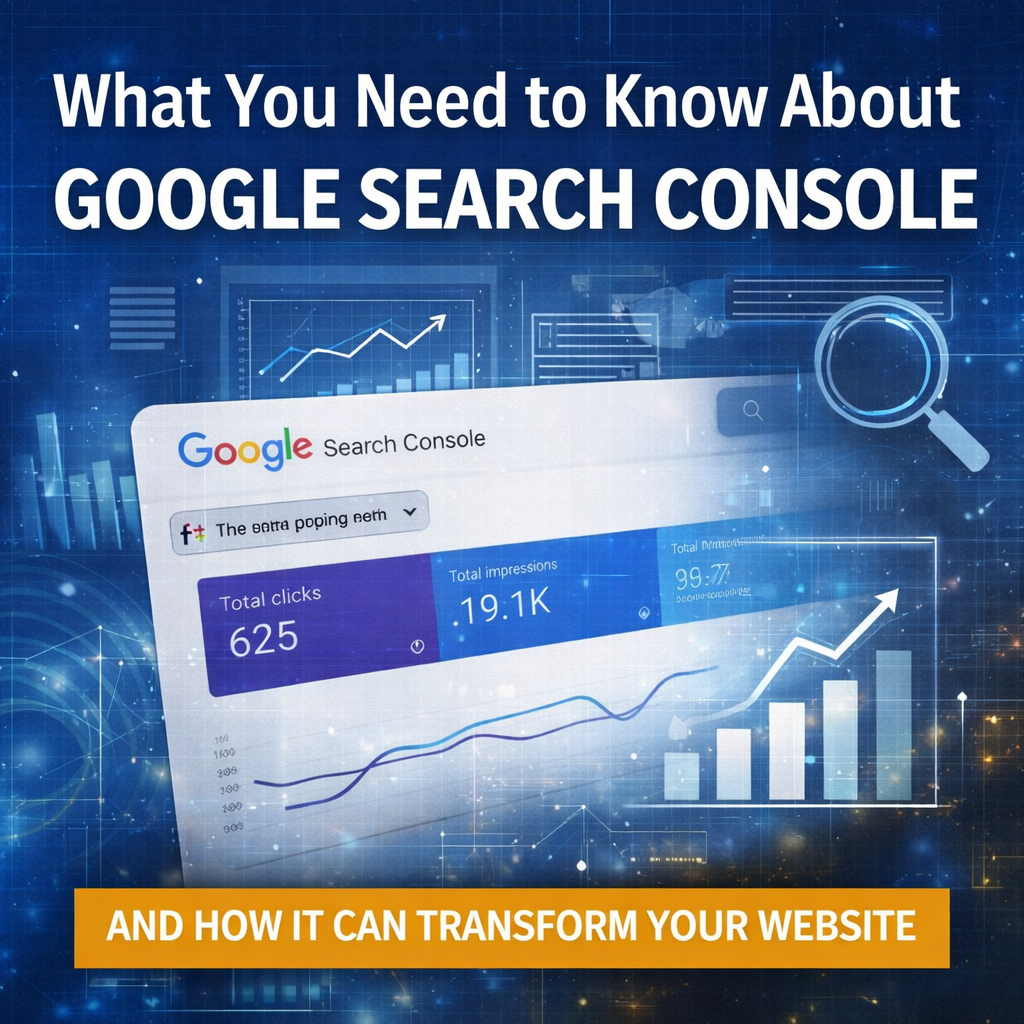
Learn Why Every Business Website Should Be Using Google Search Console
Most business owners are making decisions about their website based on assumptions:
“People must be finding us.”
“SEO seems fine.”
“The site looks good, so it’s probably working.”
That’s guessing.
Google Search Console replaces those assumptions with facts.
It’s a free tool from Google that shows you:
How people actually find your website
What they type into Google before clicking
Which pages appear in search results
Which pages get ignored
Where Google is struggling to read your site
What’s quietly holding your visibility back
If your website is meant to bring in business, Search Console is not optional. It’s your dashboard.
Step 1: Set It Up (Takes About 5 Minutes)
Log in with the Google account you use for your business
Click “Add Property”
Enter your website address
Verify ownership
If your site is on WordPress, Squarespace, Wix, or hosted by a professional, verification is usually as simple as:
Adding a tiny code snippet, or
Logging in through your domain provider
Once verified, Google begins tracking your site.
That’s it. You now have a direct window into how Google sees you.
The Three Sections That Matter Most
You don’t need to understand everything in Search Console. Start with these three areas.
1. Performance – How People Find You
This is where the gold is.
You’ll see:
The exact search terms people typed
How many times your site appeared (impressions)
How many clicks you received
Your average position in Google
This answers questions like:
“What are people really searching for?”
“Are they finding my services—or just my name?”
“Which topics deserve more content?”
“What pages almost rank, but not quite?”
This data tells you what to write next, what to improve, and what your audience actually wants.
2. Pages – What Google Is Showing
You’ll see which pages appear in search results and how each performs.
This helps you identify:
Pages that get traffic
Pages that never show up
Services that are invisible
Blog posts that are quietly working
If your “Services” page never appears, that’s not a design issue.
It’s a visibility issue—and now you can see it.
3. Indexing – What Google Can (and Can’t) Read
This section shows:
Pages Google can’t access
Pages blocked by mistake
Broken links
Errors hurting your rankings
These are silent problems.
Your site can look perfect to humans and still be broken for search engines.
Search Console is how you catch that before it costs you business.
Why This Tool Changes Everything
Google Search Console turns your website into a living system instead of a static brochure.
It tells you:
What content to create next
Which services deserve more focus
Where your site is underperforming
What’s holding you back
How Google actually interprets your business
It removes guesswork from:
SEO
Blogging
Page optimization
Marketing decisions
Strategy planning
And it costs nothing.
No subscription.
No upsell.
No sales pitch.
Just data—straight from Google.
If you own a website and you’re not using Google Search Console, you are operating blind.
The information is already there.
You simply haven’t claimed it.
At Innovast, we use Search Console every week to:
Guide SEO strategy
Shape content plans
Identify growth opportunities
Fix invisible problems
Turn data into direction
If you’d like help setting it up—or understanding what it’s telling you—we make it simple.
Because your website shouldn’t be a mystery.
It should be a measurable, growing asset.
 Subscribe now and start gaining traction this week!